Understand codebaseseffortlessly
Understand any GitHub repo in minutes with Headlamp's auto-generated docs, dependency graphs, AI-powered explanations, visual git history, and more.
How it works
Choose a Repository
Enter any public GitHub URL, browse open source projects, or connect your GitHub account to access private repos.
Automatic Analysis
Headlamp indexes your repository, maps dependencies, detects patterns, and writes documentation for you automatically.
Explore & Understand
Browse code, read the generated docs, visualize dependencies, and chat with an AI that understands the entire codebase.
Powerful features for code understanding
Everything you need to quickly understand and navigate any codebase
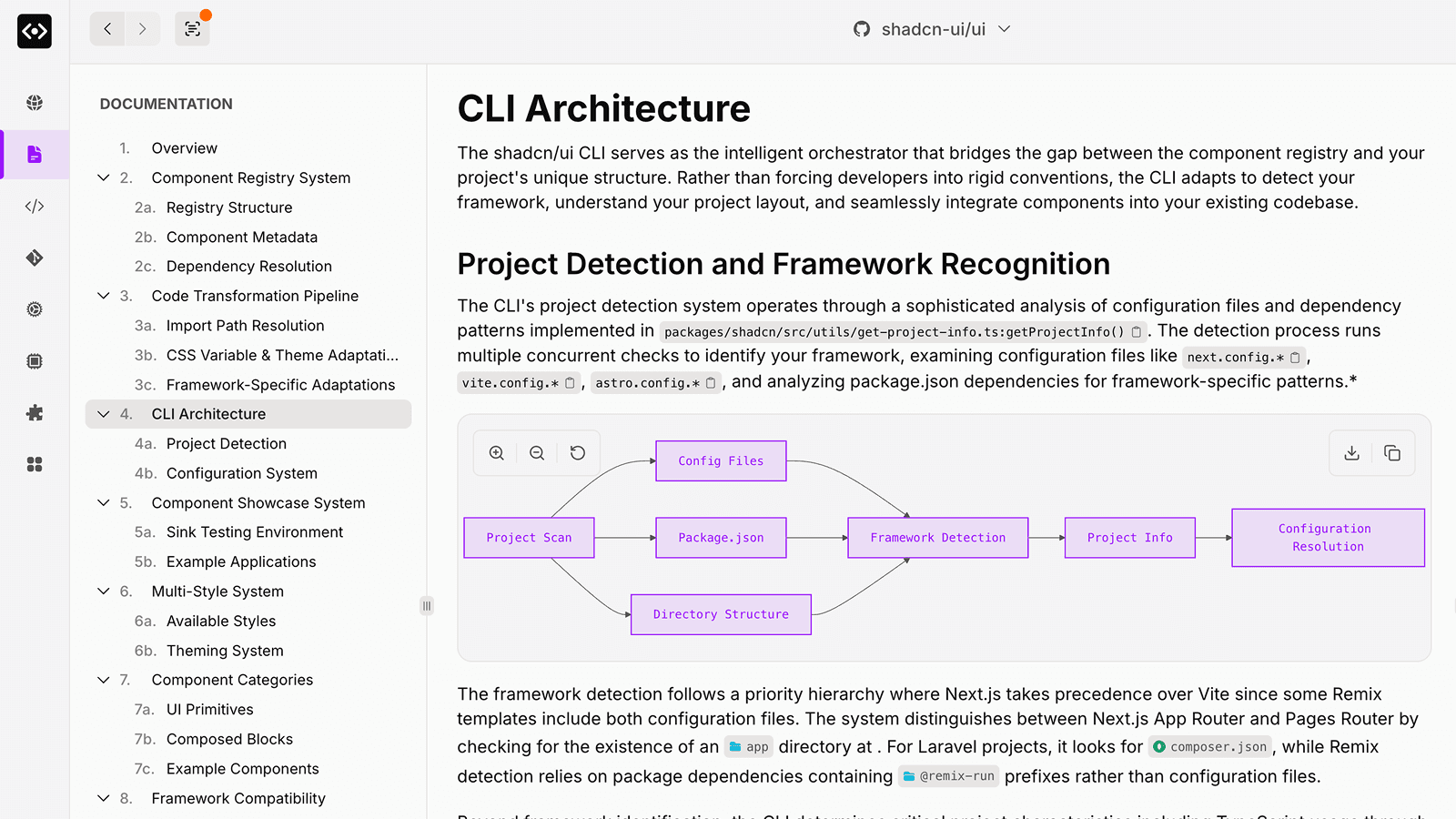
Self-Updating Documentation
Generate wiki-style documentation tailored to your codebase. AI analyzes your code to discover what sections to write, links back to source files, and detects when docs become stale—so you can regenerate only what's changed.
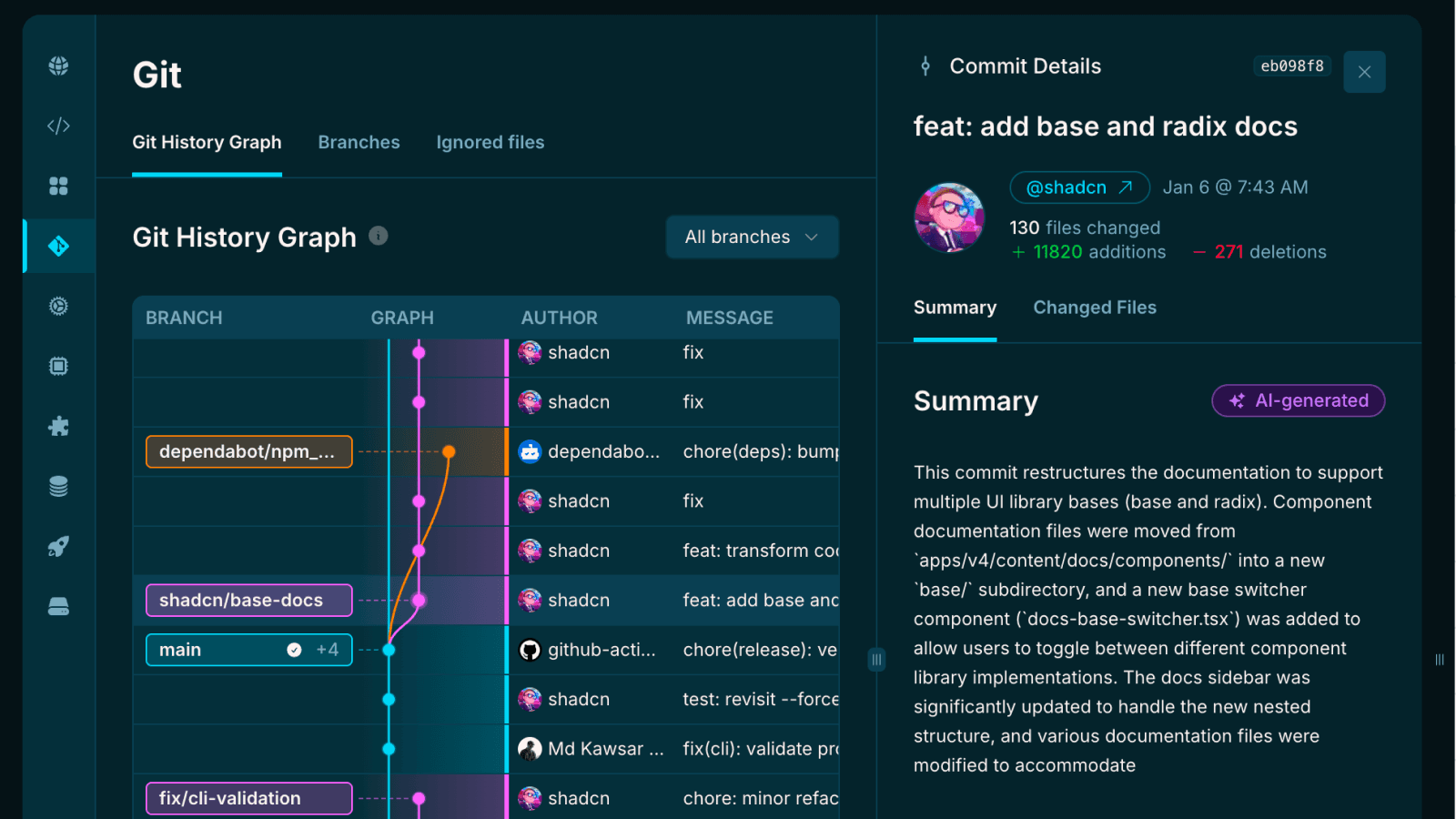
Git History Visualization
Explore your repository's evolution with visual commit timelines and author analytics. Understand how the codebase has changed over time.
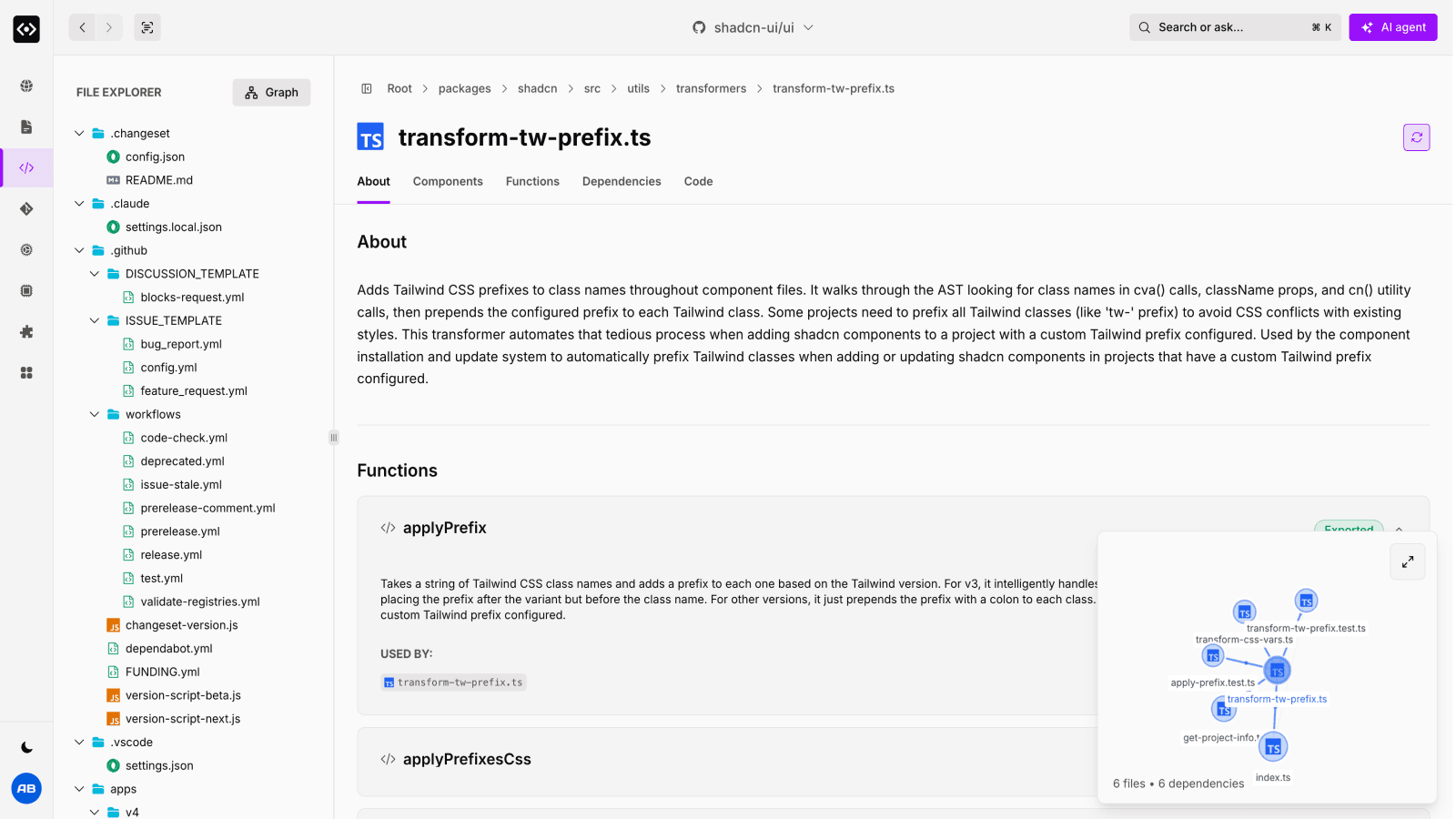
AI-Powered Code Analysis
Understand files, folders, components, functions, and more instantly with AI-powered explanations. Get clear, contextual insights that break down complex codebases into digestible information.
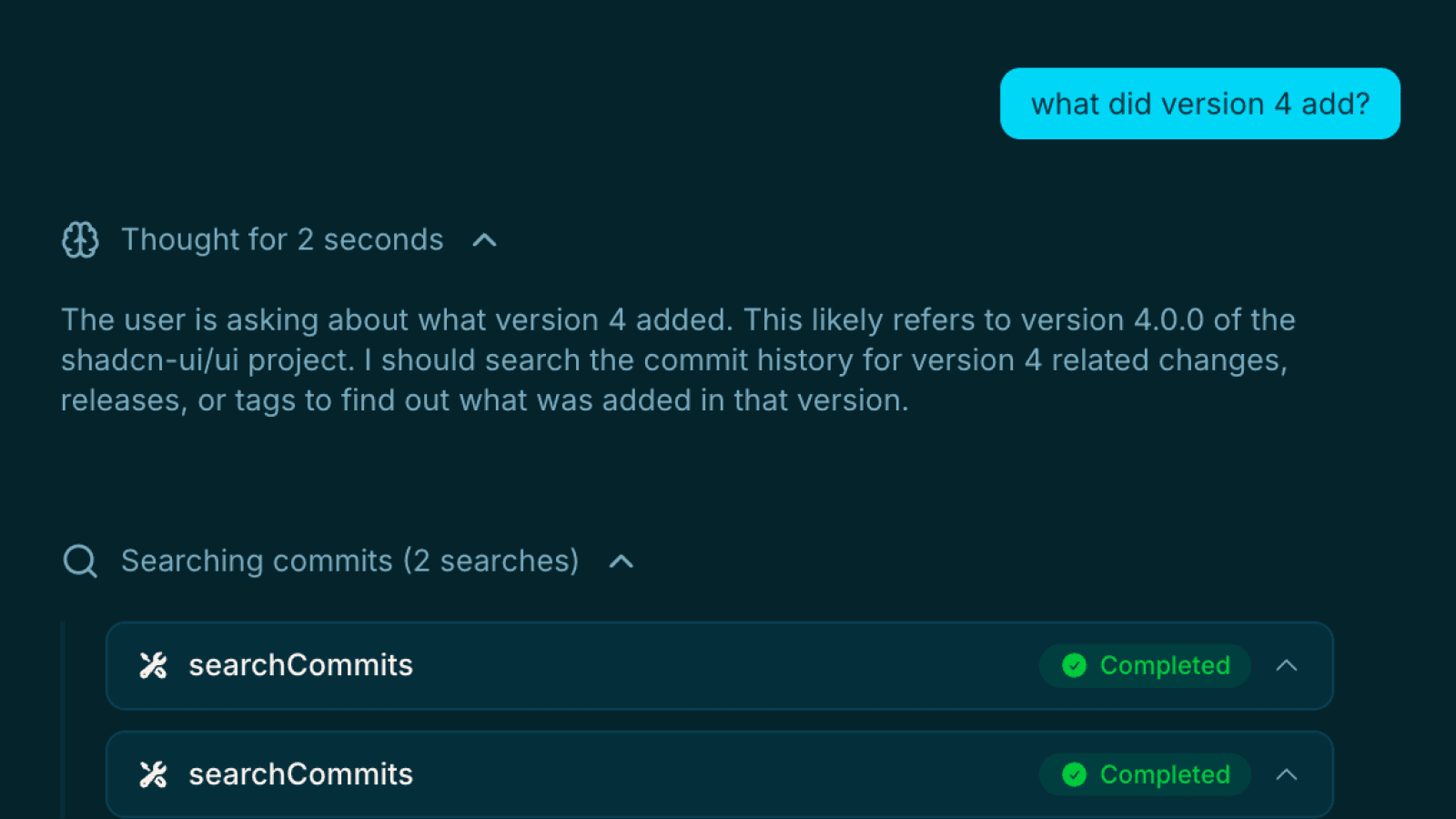
Ask Anything
Chat with an AI agent that knows your entire codebase. Ask questions in plain English and get accurate, contextual answers instantly.
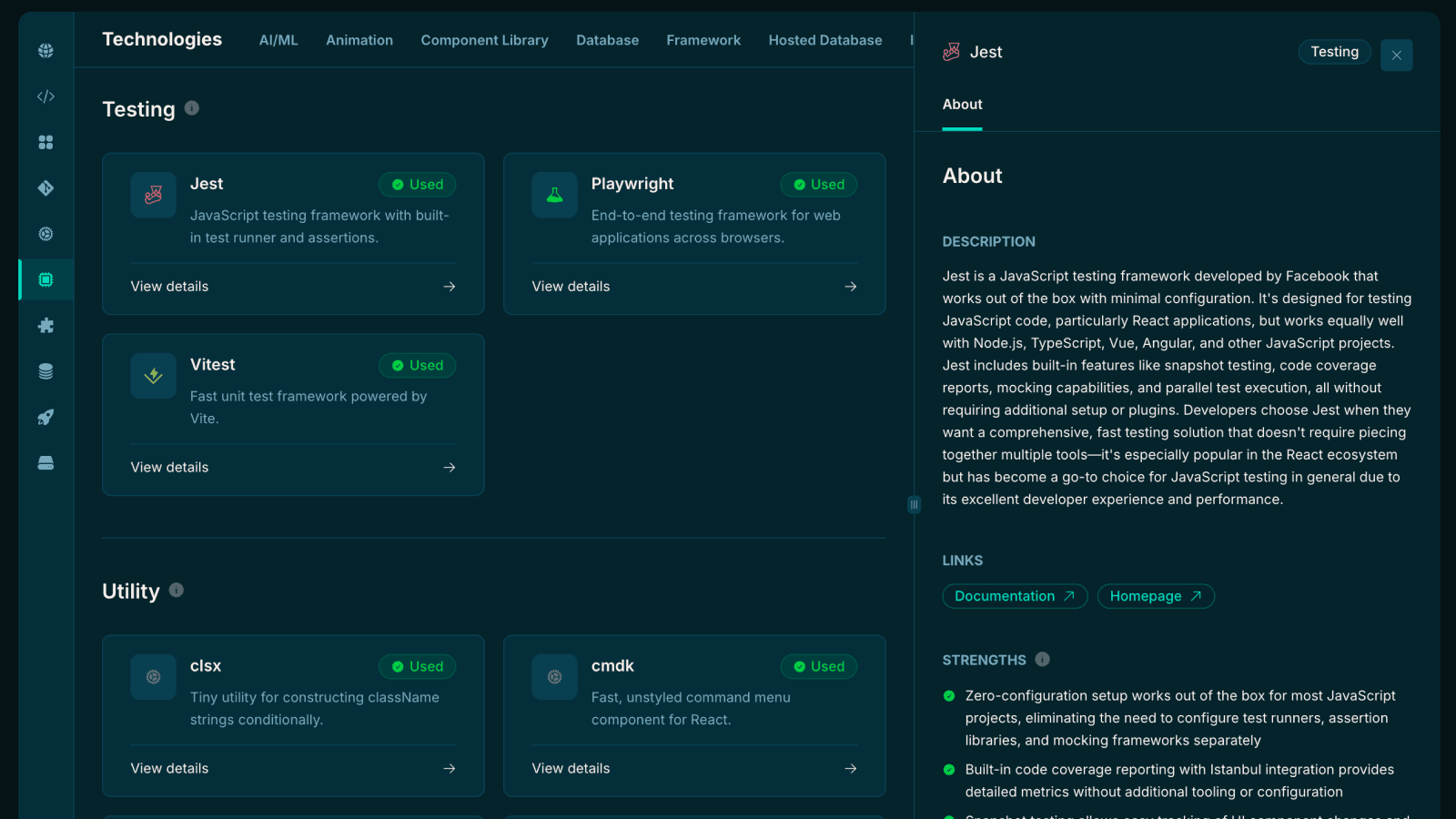
Understand Dependencies & Technologies
Automatically detect frameworks, libraries, and tools used in the project. See version info, usage patterns, docs links, and how dependencies connect across the codebase.
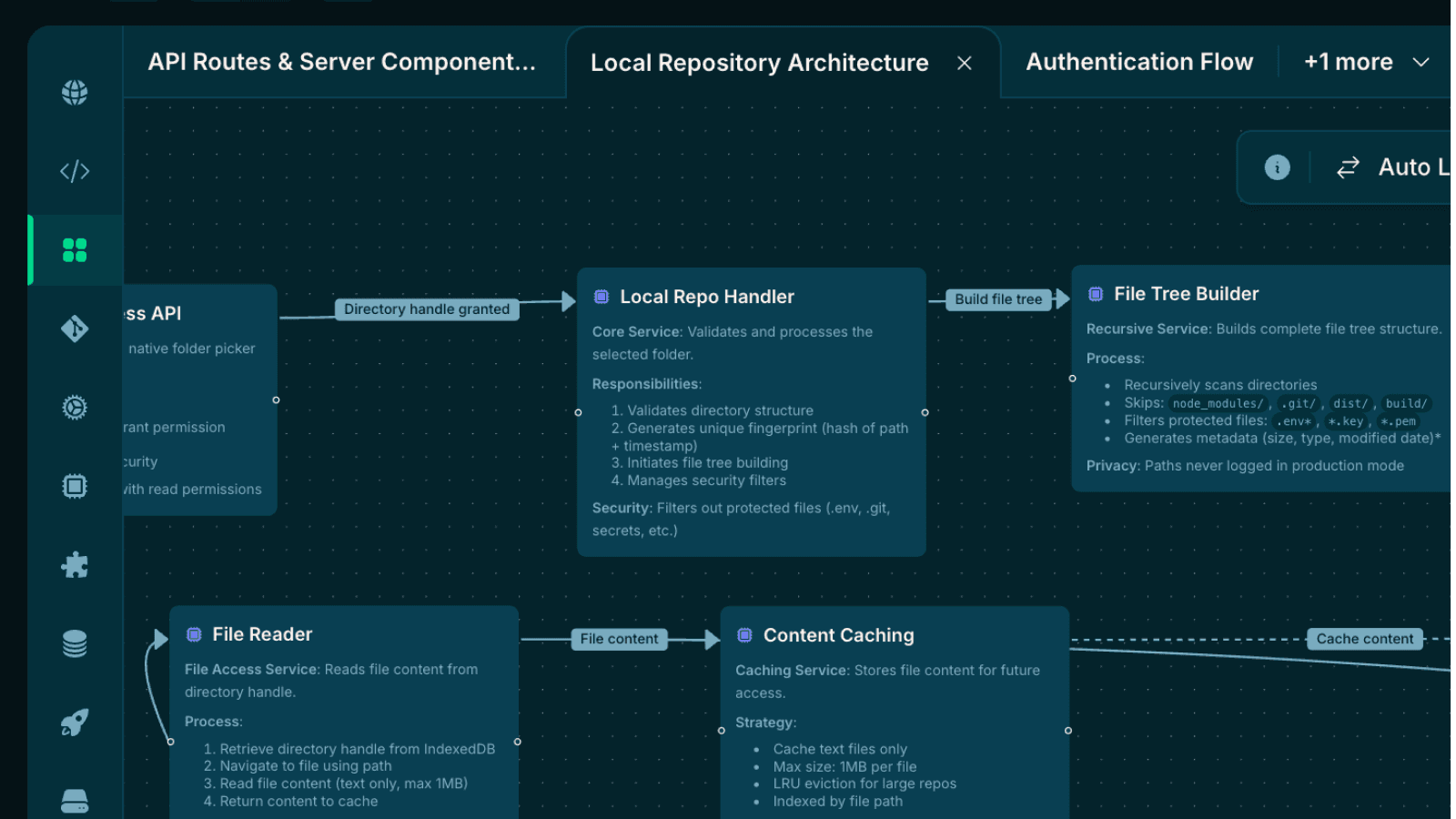
Visualize Code with Diagrams
Visualize how your code connects with file-to-file, function-to-function, and component-to-component dependency graphs. Trace imports and navigate complex architectures with ease.
And so much more
Deep insights into every aspect of your codebase
Dependency Explanations
Understand why each dependency exists and how it's used throughout your codebase.
Syntax Highlighting
Beautiful code viewing with intelligent syntax highlighting for 100+ languages.
Environment & CI/CD
Analyze environment configs, CI/CD pipelines, and DevOps setup automatically.
Storage Analysis
Detect database schemas, ORMs, and data layer patterns used in your project.
State Management
Identify state management patterns—Redux, Zustand, Context, and more.
API Analysis
Map out API endpoints, routes, and integration patterns across your codebase.
Smart Navigation
Intuitive file tree that automatically filters noise like node_modules and .git.
Reference Detection
Find where files are imported and trace usage patterns across your entire codebase.
Works with your stack
Headlamp understands 100+ technologies, frameworks, and tools
Perfect for every developer
Whether you're onboarding, exploring, or debugging
Onboarding to New Projects
Quickly understand project structure, key files, and architectural decisions without reading through thousands of lines of code.
Code Review & Audits
Get comprehensive insights into codebases before diving into detailed reviews, helping you focus on what matters most.
Legacy Code Exploration
Navigate and understand older codebases with AI-powered explanations that reveal intent and structure.
Learning & Education
Study well-architected projects to understand patterns, best practices, and how experienced developers structure their code.